
Topview T1: What This Video Model Generates
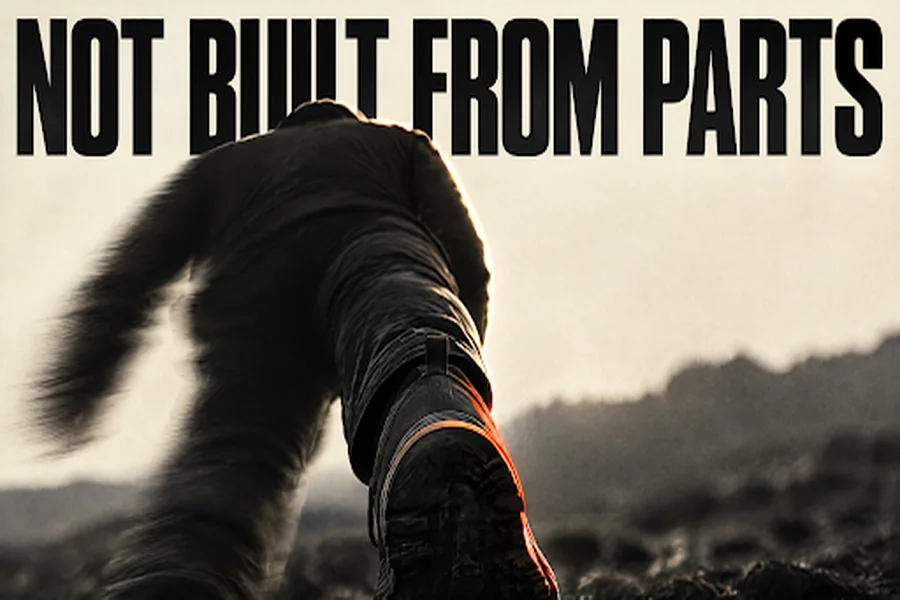
A lot of pages that promise an animated video are selling a template. You pick a character from a library, drop in a caption, and the scene is assembled from parts someone else drew. That is a useful way to make an explainer. It is not what a video model does.
Topview T1 generates the clip. You describe a scene, or you bring references you are allowed to use, and the model returns a moving picture at a resolution and a length you chose. This page is a plain account of that model: what it is, what it accepts, what a second costs, and where it sits next to Seedance 2.5.
What the model is
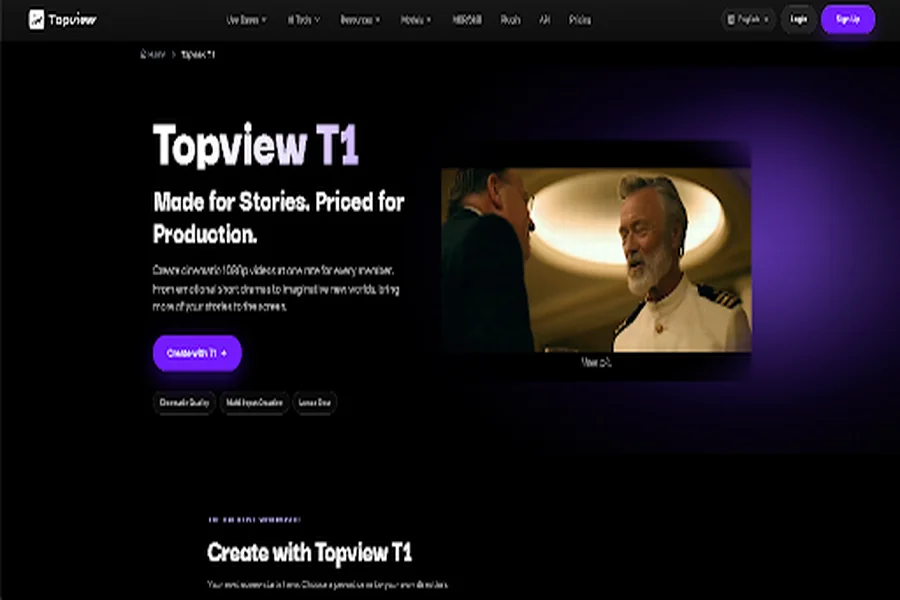
Topview T1 is the first video model Topview introduced. The page describes it as a model for cinematic storytelling and production, with output at 720p or 1080p. The credit price they publish is for 1080p, and the page recommends 1080p for ordinary work.
It is not an enlarger for an old, soft file. It does not paste one person’s face onto someone else’s body. A generated face belongs to the character in the scene. It is not a portrait of a real person who did not agree to be shown, and it is not permission to use their voice.
The samples on the page cover an animated short, a music-video performance, a night scene, a classroom drama, and a short challenge by the sea. They show the range the model is being offered for. They are not a test log.
What you can hand it
A generation can start from text, from an image, or from several references at once. The page allows up to 50 assets, mixing image, video, and audio, so a look, a voice, or a piece of atmosphere can guide the clip. Dialogue and subtitles can be multilingual.
You still need the right to every file you upload. A sketch you made, a recording you own, or a character you invented can go in. A frame saved from someone else’s work cannot, just because it would make the picture easier.
Length runs up to 30 seconds. The page’s beginner example is much shorter: 5 seconds, 1080p, a 16:9 frame, and a prompt that asks for no dialogue. That is a sensible first setting. You see the light and the camera move before you pay for a longer pass.
What a second costs
At 1080p, every member pays 2.2 credits a second. The list price printed beside that rate is 2.75 credits a second. The rate does not change with the plan, so a second take is not reserved for a higher tier.
Thirty seconds at 1080p is listed at 6.60 US dollars. The same page lists 17.55 US dollars for thirty seconds at 1080p on Seedance 2.5, about 62 percent less, and says the difference is meant to be spent on more shots. Ultra Annual members also receive 30 days of unlimited T1 generation.
One limit is easy to miss. The minutes you generate are not the minutes in the finished cut. Five takes of ten seconds are fifty seconds of generation, even if you keep ten. Read the credit line before you run the job. It is on the site before you generate.
Commercial use follows the plan you are on and the terms in force at export.
How it compares with Seedance 2.5
Both models are offered on Topview, and both are aimed at a scene that can run to about half a minute. The T1 page puts them on one price line. Seedance 2.5’s own page describes the rest of its controls.
Seedance 2.5 generates a clip of 4 to 30 seconds from text, image, video, and audio. It also takes up to 50 references, split into as many as 30 images, 10 videos whose combined length stays inside 30 seconds, and 10 audio files inside the same limit. You can direct the shot with second-level timestamps, and you can revise one segment while the rest of the clip is meant to stay put. The export ceiling shown on that page is 1080p. A setting in the generator can read 720p. Trial credits appear before you generate. A free try may be a restricted preset, not the full set of controls, and it is not unlimited.
T1’s page does not itemise timestamps or a segment edit. It does itemise a lower 1080p second, charged the same for every member, for work that needs more shots and more iterations. The page says that 1080p can stand with Seedance 2.5. That sentence is the page’s claim. The prices under it are the part you can check. This article does not report a side-by-side viewing.
| Topview T1 | Seedance 2.5 | |
| What it is | Topview’s own video model | A multimodal model offered on Topview |
| Length | Up to 30 seconds | 4 to 30 seconds |
| Picture | 720p or 1080p; the published rate is for 1080p | Export shown up to 1080p |
| 30 seconds at 1080p | 6.60 US dollars, on the T1 page | 17.55 US dollars, on the T1 page |
| Rate | 2.2 credits a second for every member | Shown before you generate |
| References | Up to 50, image, video, and audio | Up to 50, with the 30 / 10 / 10 split |
| Control named on the page | Another take at the same rate | Timestamps and a local segment edit |
Where the clip is kept
Topview is the workspace around the model. You describe the idea, paste a script, add a reference, or point at a page. It plans the shots, selects among the models available there, generates the assets, and leaves the shots editable on the Canvas. A prompt, a link, an image, a video, or a mix of those can start the same job.
T1 is the model that generates. The workspace is where you compare takes and throw one out. You still publish the file yourself. The workspace does not post it for you.
The T1 page also points to a studio workflow for planning a longer film or drama. That planning layer is separate from the model. This article links only the model and the workspace.
A first generation, in the order the page gives
- Describe the scene. Name the action, the characters, the mood, and the camera move. A preset on the page can stand in for that description.
- Choose the length, the frame, and the resolution. For a first look, the page’s own beginner settings are 5 seconds at 1080p in 16:9.
- Generate, watch, and change one thing. A second take is the point of a rate that does not climb with the plan.
Before that third step, check the words in the frame if you asked for any, and check that the face on screen is a character you invented or a person who agreed. Then decide whether the take matches the scene you wrote. If it does not, the file is a study, and the next second is the one you meant to buy.