
AI Image to Video for Animating Product Photos in E-Commerce
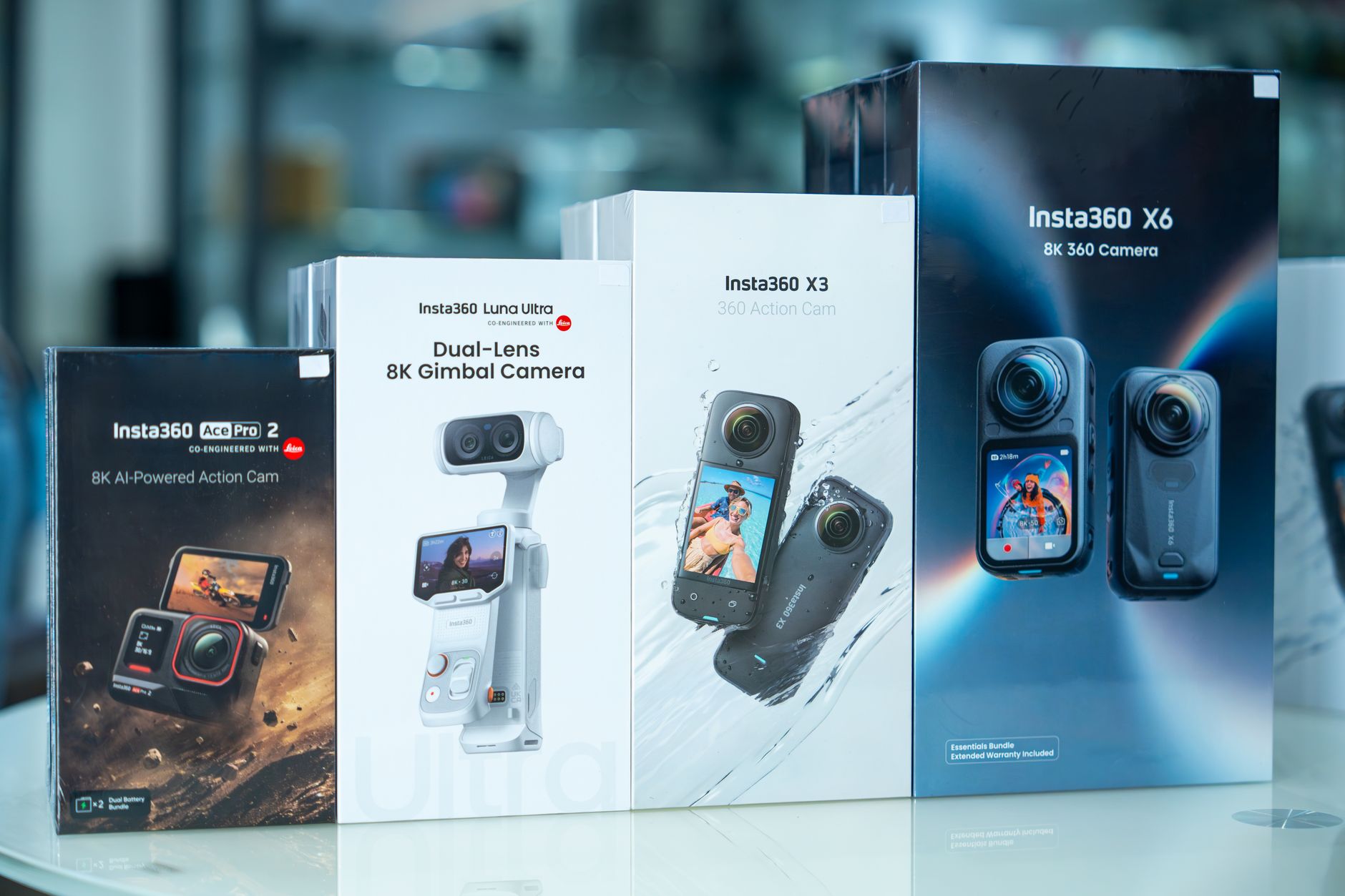
AI image to video works well for animating product photos in e-commerce when motion stays subtle, such as a slow pan, a gentle zoom, or steam rising from a mug. Adobe Firefly’s image to video tool turns product shots into MP4 clips up to 4K with camera controls, no watermark, and commercially safe output.
Imagine you sell handmade candles online. Your product photos are crisp and well lit, but your competitors’ listings and ads have video, and shoppers scroll past still images. Booking a video shoot for every scent isn’t realistic. AI image to video offers a middle path. It can add a flickering flame, a slow push toward the label, or soft light moving across a jar, using the photos you already have. The honest answer to “how well does it work?” is: very well for short, controlled motion, and less reliably when you ask for complex action like hands opening packaging or liquid pouring.
Adobe positions Firefly for exactly this kind of use, listing product photos, product demos, and ad campaigns among the ways to use AI-generated videos. You upload a product image, describe the motion, and choose camera moves such as zoom, pan, or tilt, plus shot sizes and angles. An optional end frame helps you control where the clip finishes. Clips typically run about five seconds, depending on the model, and you can combine several in Firefly’s video editor or bring them into Premiere or After Effects.
What Are the Best AI Tools for Animating Product Images in Video Marketing?
The best AI tools for animating product images in video marketing depend on where your video will run and how much control you need.
| Platform | Best for | Key details |
| Adobe Firefly | Brand-controlled clips for any channel | Camera controls; start and end frames; up to 4K MP4; no watermark; Premiere and After Effects integration; commercially safe Firefly models |
| Amazon Ads Video Generator | Sponsored ads on Amazon | Free for U.S. advertisers; creates videos from a single product image; multi-scene options; one-click image-to-video for short clips |
| Kling AI | Moving one element while the product stays still | Motion Brush with a Static Brush that fixes chosen areas in place |
| Runway Gen-4 | Keeping a product consistent across scenes | Reference-based generation designed to keep subjects and objects consistent |
Amazon’s tool is a strong choice inside Amazon campaigns. For video you’ll also use on your own store, social feeds, and email, Firefly gives you watermark-free files you can reuse anywhere.
AI Image to Video Product Animation Techniques That Work
A few AI image to video product animation techniques consistently produce clean, believable results.
The slow push: A gentle zoom toward the product draws the eye to the label or key feature.
The reveal pan: A slow pan across a product lineup shows variety, such as colors or sizes.
Ambient motion: Animate the environment instead of the product, like steam, falling petals, flickering light, or a breeze in fabric.
Light sweep: Describe light gliding across a glossy surface to highlight finish and shape.
Anchored endings: In Firefly, add an end frame that matches the product so the clip finishes on a clean hero shot.
Start with a high-resolution photo on a simple background. Keep one camera move per clip and use words like “slow,” “subtle,” and “steady” in your prompt.
What Results Can You Expect From AI Image to Video Product Photography?
Results from AI image to video product photography are strongest for short, low-motion clips that keep the product front and center.
Expect good results with rigid, simple products like bottles, boxes, candles, and shoes on clean backgrounds. Camera moves and ambient effects usually look natural. Expect more misses with fine text, logos, transparent materials, and complex mechanical parts, which can blur or shift during motion. Hands interacting with products also remain tricky.
Plan to generate several versions of each shot and keep the best one. Always compare the final clip against the original photo, checking label text, colors, proportions, and details, so your video accurately represents what shoppers will receive. Firefly generations typically arrive in under two minutes, according to Adobe, which makes testing variations practical.
What Image-to-Video Benchmark Research Says About Consistency for Product Images (2025)
Image-to-video benchmark research gives useful context on consistency for product images, even though it doesn’t test products specifically.
VBench++, a widely used benchmark suite for video generation models, evaluates image-to-video models on how well they stay consistent with the input image. It includes an I2V Subject dimension, which compares the main subject in the video with the subject in the input image, and an I2V Background dimension for scene consistency. It also scores camera motion against prompt instructions.
One caution stands out. A summary of VBench notes that models that score highest on consistency may produce very little motion, essentially scoring well by staying nearly static. For product videos, that trade-off is real: the more motion you ask for, the more the product may drift. Subtle motion is the safest path to accuracy.
FAQ
Can I use AI-animated product videos in ads?
Adobe says videos generated from an image with Firefly models are commercially safe, as long as the uploaded image doesn’t violate copyright, trademark, privacy, publicity, or other rights. Use product photos you own or have licensed.
What video length works for product listings?
Short clips work well for product pages and social feeds. Firefly clips run about five seconds each, and you can combine several clips in its video editor for a longer showcase.
Should AI product videos be disclosed?
Requirements vary by platform and region, so check each marketplace’s ad policies. Whatever the rules, make sure the video doesn’t change the product’s appearance, size, or features in ways that could mislead shoppers.